We ran into an old client a few months back and had an interesting conversation. They said they felt busier than ever, but when we asked what had actually increased, they couldn’t really point to anything specific.
When we dug into it a bit, it wasn’t the volume of work. It was how much effort it took to get simple things done.
Things that used to be quick were no longer quick. For instance, you’d ask a question and instead of getting an answer right away, someone had to check a couple of places first. Reports that used to come together easily now needed more back and forth.
According to Asana’s Anatomy of Work research, employees spend around 60% of their time on what they call “work about work” activities. Things like searching for information, chasing updates, switching between tools, managing processes, and coordinating with others instead of focusing on the work they were actually hired to do.
People spent more time following up just to keep things moving. Nothing was actually broken. The business was doing fine. Work was still getting done. At first, they blamed the usual things. Too many projects. Too many meetings. Not enough time.
Some of that might have been true.
But the same friction kept showing up, even when things were not that busy. People were constantly working around small gaps that probably should not have been there in the first place.
Key Summery
- Businesses often feel busier not because of more work, but because simple tasks start taking more effort and coordination
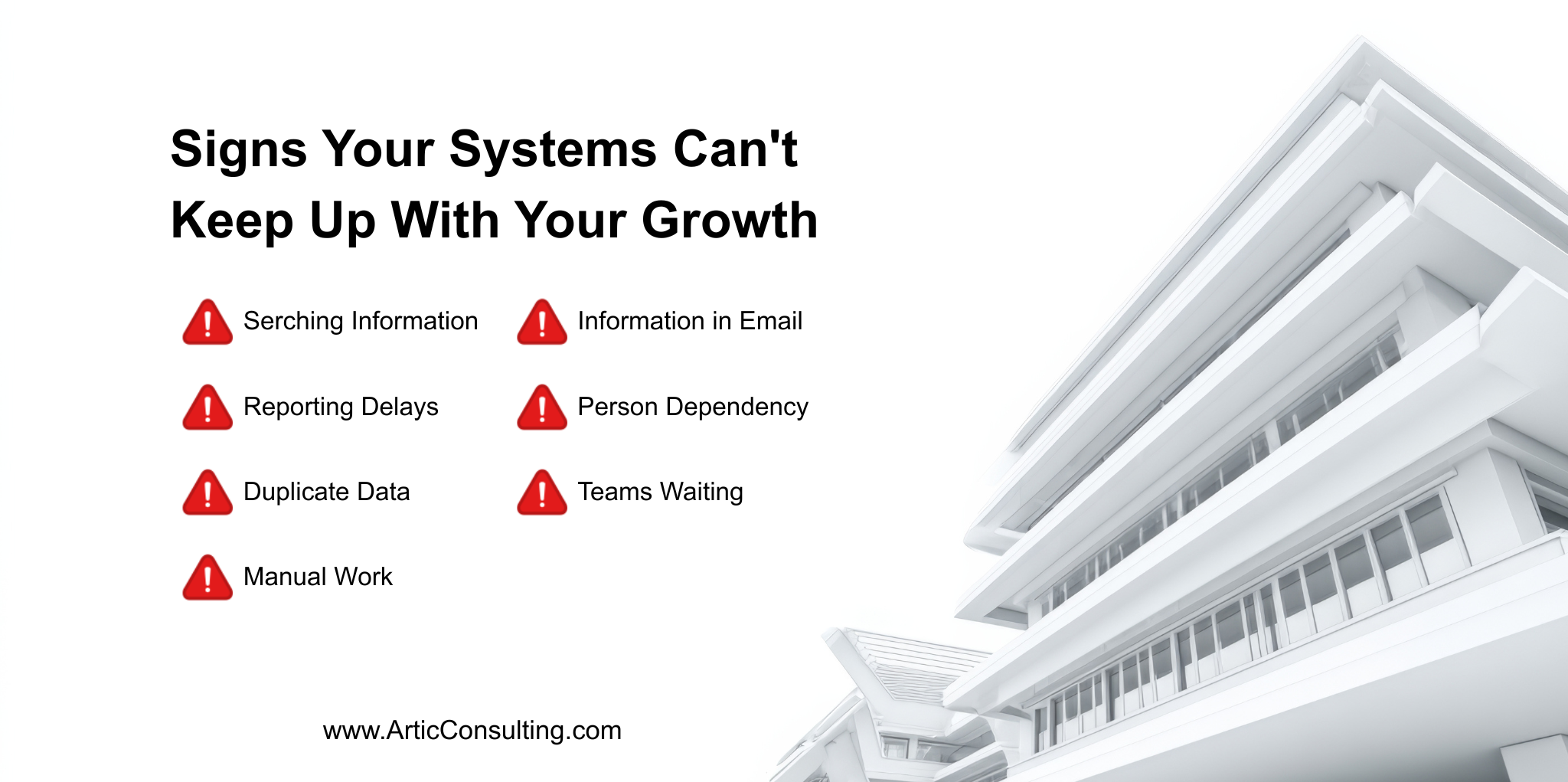
- Common signs show up in everyday work like searching for information, slower reporting, duplicate data, and growing manual tasks
- These issues are usually connected, and in most cases come from disconnected systems, scattered processes, and limited visibility
- Tools like Dynamics 365, Power BI, Power Automate, Fabric, and Copilot help bring things together and reduce the effort needed to get work done
- The goal of transformation is not adding complexity, but making everyday work easier by removing friction across teams
So how do you know when you have outgrown your systems?
It usually doesn’t show up as one big problem. Instead, it shows up in small, everyday moments.
Sign #1: You spend too much time just trying to find information
This usually doesn’t feel like a problem at first because everyone learns how to deal with it. When someone asks a question, people already know the routine. One person checks a spreadsheet, someone else opens a report, and another says they’ll confirm because the data sits somewhere else.
The answer does come eventually, so it doesn’t raise alarms. The issue is how often this happens throughout the day. Small delays creep into almost every task, and nobody really tracks them. Over time, a lot of work time goes into just locating the right information. It becomes part of the workflow, even though it shouldn’t need that much effort.
Sign #2: Reporting takes longer than expected
Reporting usually starts with something that sounds simple. Someone asks for numbers ahead of a meeting, and it feels like it should be quick since the data already exists. But then messages start going out to different people.
One person pulls data from one system, another checks if something has been updated, and someone else tries to reconcile differences. By the time everything is gathered and aligned, a lot of time has already gone into preparing the data. What stands out is that most of the effort happens before any actual discussion or analysis begins.
After a while, this pattern feels normal, and people stop questioning whether it should really take that long.
Sign #3: The same data exists in multiple places
This usually becomes visible during discussions when people bring different numbers for the same thing. Each person is confident in their version because they are using a source they trust. The conversation slowly shifts away from the actual problem and turns into figuring out which number is correct.
It does not happen because of a single bad decision. Over time, teams create their own trackers, reports get copied, and new files appear without removing old ones. This builds up slowly and becomes harder to manage as the business grows. The main issue is not the data itself, but the time and energy spent trying to align on what the correct version is.
Sign #4: Manual work keeps increasing
At first, manual tasks seem small and manageable. Someone updates information in one place and then copies it to another. A report gets downloaded, adjusted, and shared with others. None of these tasks feel like a big deal on their own.
The real problem appears when more of these steps start getting added over time. As the business grows, processes become more complex, and people quietly add extra steps to keep things moving.
Because these steps are familiar, nobody questions them. They just become part of the daily routine. Eventually, a noticeable portion of the day is spent doing repetitive work that could have been avoided or simplified.
Sign #5: Important information lives in email
This usually creeps up over time. An update gets shared over email, then someone replies with more context, and before you know it, that thread kind of becomes the place where everything about that topic lives. Nobody really plans it that way, it just happens.
Later, when someone needs that information again, things get a bit messy.
People start searching their inbox, trying a few keywords, opening mails that look familiar but turn out to be the wrong ones. Someone forwards an email saying “this might help,” and then someone else jumps in saying there was a more recent update after that.
Now people are comparing emails instead of just answering the original question.
The information is there somewhere, it’s just not in a place that’s easy to go back to.
Sign #6: Certain people become the go-to for everything
Someone asks a question and before even trying to figure it out, they say something like “let me just check with them.” It feels normal because that person usually does have the answer, or at least knows where to look.
It doesn’t happen all at once. Over time, more things start going through the same few people. Not only for bigger decisions, even for smaller things where people just want to be sure before moving ahead.
So instead of figuring it out on their own, they wait. Or they double check. Or they loop that person in just in case.
On a regular day it doesn’t seem like a problem.
Then that person is busy, or in meetings most of the day, or out for a bit. Things still move, just slower, and people aren’t as sure as they usually are. That’s when it starts becoming more noticeable than before.
Sign #7: Work Slows Down When More Teams Get Involved
A task starts with one team and moves quickly. Then another team gets involved. A few days later, a third team joins the conversation.
Nobody is doing anything wrong. People are responding, meetings are happening, and updates are being shared. Still, the work seems to move more slowly than expected.
Someone is waiting for an answer. Someone else is waiting for a file. A decision gets pushed to the next meeting because a few people weren’t available.
By the end of it, the actual work may have taken only a few hours. The rest of the time was spent waiting, checking in, and making sure everyone had what they needed before moving forward.
That’s when simple tasks start feeling bigger than they really are.
What’s Really Causing These Problems?
What’s interesting about these problems is they rarely show up alone. When it becomes harder to find information, reporting usually gets affected as well. When data sits in multiple places, people fall back on whatever is easiest at the moment, which is often email, spreadsheets, or just asking someone who might know.
Over time, one small workaround leads to another. Nothing feels like a big issue on its own, but together it starts creating friction across everyday work.
That’s why most teams don’t fix this by adding another tool or another layer of process. That usually makes things heavier. The shift usually comes from connecting information better, reducing the amount of manual effort, and making it easier for people to see what’s going on without having to dig for it.
According to Microsoft’s Work Trend research, 86% of employees said they would be comfortable using AI to help find information and answers, while 80% said they would be comfortable using it to summarize meetings and action items. Microsoft also found that 76% of employees are comfortable using AI for administrative work and 79% for analytical tasks.
Here are a few Microsoft tools teams often lean on when they start addressing this.
How Microsoft Solutions Help Remove Business Friction
Microsoft Dynamics 365
A lot of these challenges come back to one thing. Information is spread out. Customer details are in one place, operations in another, and the gaps in between get filled manually. People rely on spreadsheets or their own knowledge just to connect the dots.
Dynamics 365 helps pull those pieces closer together.
Instead of different teams working in isolation, there’s more of a shared view of what’s happening. That alone reduces a lot of the back and forth people deal with every day.
It also makes it easier to track interactions, understand what’s going on across teams, and avoid chasing down information when something needs attention.
Useful Read: How Microsoft Dynamics 365 Transforms Businesses
Power BI
Reporting becomes painful when the data exists, but getting it ready takes time.
You see it when people spend more effort preparing numbers than actually discussing them.
Power BI helps by bringing that data into one place where it’s easier to view and understand. Instead of building reports from scratch every time, teams can work with dashboards that are already there.
It doesn’t remove the need for analysis. It just reduces the time spent getting to that starting point.
Power Automate
Manual work usually doesn’t feel like a problem at first. It’s just small things. Updating something here, sending a notification there, moving data from one place to another. Over time though, it adds up more than people expect.
Power Automate helps take some of that repetitive work out of the day.
It handles the kind of tasks people tend to do without thinking, which frees up time without forcing teams to completely change how they work.
Microsoft Fabric
As data spreads across different systems, it gets harder to see what’s actually going on without stitching things together first. People end up pulling pieces from different places, and that becomes a task on its own.
Fabric helps by bringing that data closer together in one environment. So instead of rebuilding context every time, teams can work with a more complete view already there. It doesn’t change the work itself, but it removes a lot of the effort that happens before the work even begins.
Microsoft Copilot
A lot of time during the day goes into things like searching for information, reading through updates, or trying to piece together what’s happening across systems.
Copilot helps cut down that effort a bit. Instead of jumping between tools or digging through files, people can just ask and get something to start with. It’s not about getting perfect answers every time, more about reducing the time spent looking so teams can actually get moving faster.
Useful Read: How Copilot in Dynamics 365 Improves Business Decision-Making
How Artic Consulting Helps Businesses Modernize Operations
Most teams already have the tools and processes in place. The challenge is that things don’t always connect well, and small gaps start showing up in everyday work. Over time, those gaps turn into extra effort, more coordination, and slower progress.
That’s usually where we focus. Not on changing everything at once, but on making things work better together and removing the effort that shouldn’t be there in the first place. With our business management consulting services. we:
- Start by identifying where work is slowing down
- Connect systems so information is easier to access
- Reduce repetitive manual tasks across teams
- Improve reporting so data is quicker to use
- Build around Dynamics, Power Platform, and Fabric
- Use Copilot to cut down time spent searching and summarizing
- Support adoption so teams actually use the setup
Over time, it’s those small improvements that make the biggest difference in how work feels day to day.
Something here sound familiar?
Let’s look at where things are slowing down and what can be improved.
FAQs
1. How do I know if this is just normal growth or something we actually need to fix?
Some friction is normal as teams grow. The thing to watch is repetition. If the same situations keep happening, like searching for information, double-checking numbers, or waiting on others, that’s usually a sign it’s not temporary. It means people are adjusting to something that isn’t really keeping up anymore.
2. Do we really need to replace our systems to fix this?
Most of the time, no. A lot of businesses already have what they need, it just doesn’t work together smoothly. People end up filling the gaps with manual work or workarounds. Connecting things better or simplifying how work flows usually makes more difference than starting over.
3. When should we actually start thinking about fixing this?
Usually earlier than people expect. It’s easy to wait until things feel messy or slow, but by then it’s already affecting how teams work. If people are spending a noticeable amount of time searching, checking, or working around systems, it’s a good point to step back and look at it.
Get started
Ready to level-up your business?

Amit Giri has 14 years of experience helping organizations navigate technology decisions and align solutions with business goals. His interests include artificial intelligence, Microsoft technologies, cloud solutions, data analytics, digital transformation, and process improvement. Through Artic Insights, Amit shares practical perspectives on using technology to solve real-world business challenges and create lasting value.